
Separate inputs from reporting
Raw data, working calculations and the presentation view serve different purposes. A considered structure makes it easier to update the file without disturbing the dashboard.

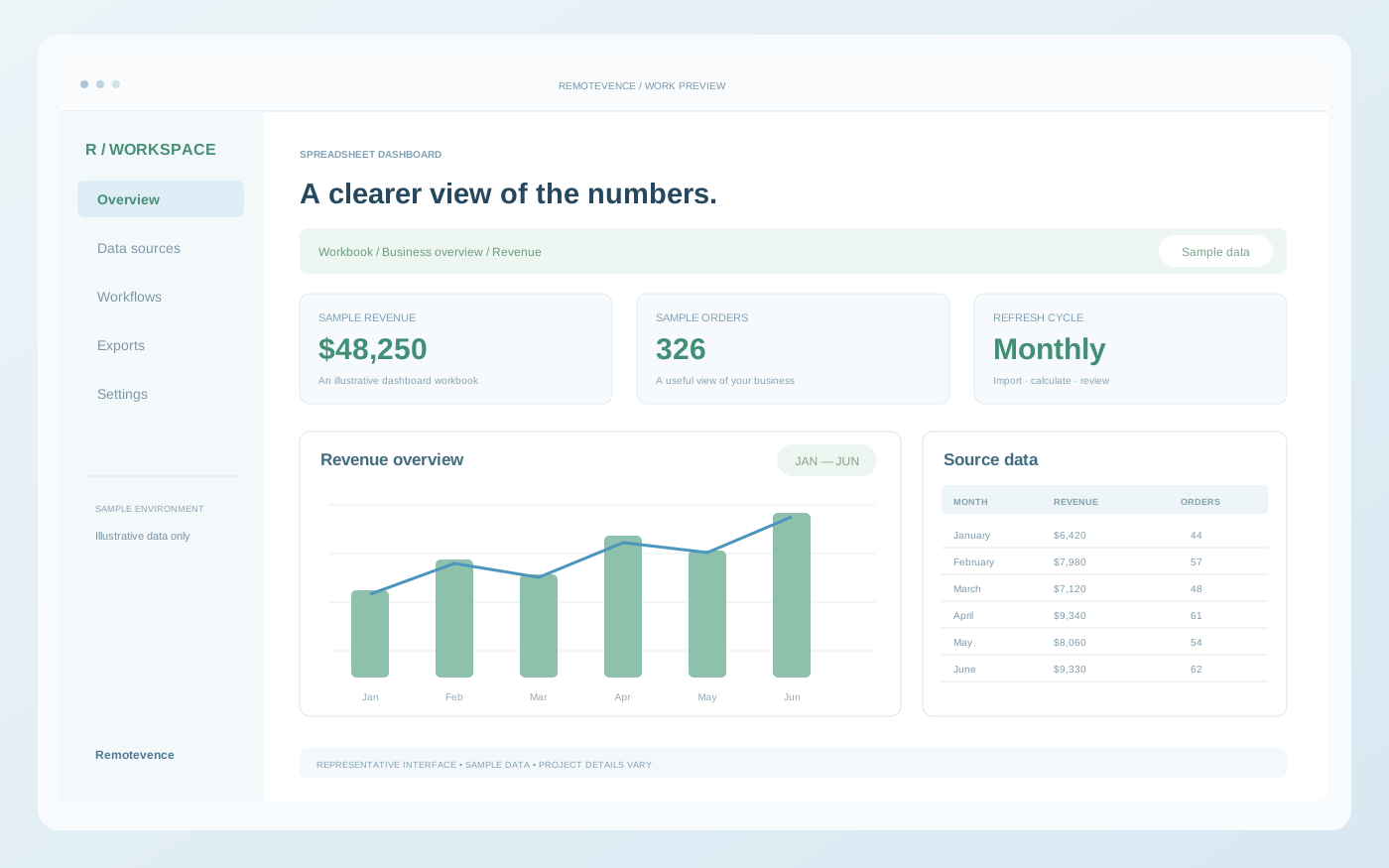
Replace fragile manual work with organised sheets, dependable formulas and reporting your team can understand and maintain.
Every project begins with an agreed brief. Your proposal defines the exact deliverables, responsibilities and timeline.
We map the inputs, calculations and outputs before rebuilding the workbook. Clear structure and validation reduce avoidable errors, while purposeful dashboards make the information easier to use. Complex logic is documented so your team can keep working confidently.
Automation is added where it removes repeated effort without making the workbook harder to maintain. We account for access permissions, file size, refresh timing and platform limitations. If a spreadsheet has outgrown its role, we can help define a database or application as the next step.
A dashboard should be understandable to the next person who opens it. We plan how information enters the file, how measures are calculated and how the report is kept current.
Raw data, working calculations and the presentation view serve different purposes. A considered structure makes it easier to update the file without disturbing the dashboard.
Choose the totals, categories, comparisons and filters that support a real decision. We avoid filling a sheet with charts before the underlying question is clear.
Decide whether data will be pasted, imported or connected. Ownership, refresh frequency and any access requirements belong in the brief alongside the visual layout.
You do not need a finished specification. These details help us understand where you are now and what the work needs to support.
The best work is clear on the surface, considered in the detail and connected to the way your business operates.

Open a card to find your answer.
Ask something elseYes. We review the structure and formulas, identify the failure points and agree whether a repair or rebuild is more practical.
Yes, when scripts suit the workflow. We also consider built-in features and simpler alternatives before introducing custom code.
We can design shared access, protected areas and input workflows around your team’s roles and platform.

Related services that can extend this project.
 Data analysis
Bring your numbers together, understand what they mean and build reporting that helps your team decide what to do next.
 n8n workflows
Let your tools work together. We design n8n workflows that move information, trigger the next step and make routine processes easier to manage.
 Export solutions
Prepare, transform and export business information into the formats your systems, partners and teams can actually use.
Start with your goals. We’ll define the right deliverables, integrations and next steps.
Discuss sheets & excel